
Get a VPN for the Dark Web for Safer Browsing
Encrypt your internet traffic before it reaches the Tor network to browse the dark web more privately and securely
- Avoid exposing your personal information to cybercrooks
- Help limit what your ISP can see about your connection
- Block known malicious domains with PIA MACE
- 30-day money-back guarantee for new subscribers
.png)
Private Internet Access is a privacy and security service and should not be used as a means of copyright circumvention. We cannot see or control what you do while connected to our VPN, so you are responsible for complying with our Terms of Service, your content provider’s terms, and any applicable laws.
How to Set Up a Dark Web VPN in 3 Easy Steps
Step 3
Launch Tor and browse the dark web more privately.
Why You Need a VPN for the Dark Web
Shield Your Activity from Your ISP
Connect to PIA before opening Tor and your ISP will only see an encrypted VPN connection. This makes it harder for your ISP and anyone else with access to your network to see what you’re doing online.

Increase Protection Against Malicious Tor Nodes
The Tor network is operated by volunteers, which means you never know who’s operating the nodes you connect to. The first node you connect to (the entry node) can see your IP address, which could allow a malicious operator to identify you or link your Tor activity back to your home network. Routing your connection through PIA VPN means the entry node only sees the VPN server IP address, not yours.
Protect Against IP Leaks
Minimize the risk of your IP address being exposed if something goes wrong. If an app or your browser accidentally makes a request outside of Tor, PIA VPN reduces the risk of your real IP being revealed. If the VPN connection itself drops, our advanced kill switch cuts your internet connection, helping to prevent any data leaving your device unprotected.
Everything You Need for Safer Dark Web Browsing

Strong Encryption
Encrypt your internet traffic with AES-256 encryption – one of the most reliable encryption standards available.

Global Server Locations
Connect to a VPN server in one of 113 countries for a stable, reliable, and more secure browsing.
Onion Over VPN Support
Use PIA with Tor Browser to route your traffic through an encrypted VPN server before it enters the Tor network.

Kill Switch Protection
Keep masking your real IP address even if your VPN connection drops with PIA’s advanced Kill Switch.
.png)
Strict No-Logs Policy
Reduce your dark web digital footprint with PIA’s independently audited, court-proven no-logs policy.

24/7 Support
Get answers to your VPN questions any time of the day or night from PIA’s knowledgeable VPN experts.
Use a Dark Web VPN on All Your Devices
Add protection to the devices you use every day with a single PIA subscription. PIA has dedicated apps for Windows, Mac, iOS, Android, and Linux, and can be set up on routers, smart TVs, and more. One PIA subscription covers unlimited devices simultaneously.
How a VPN Protects You on the Dark Web
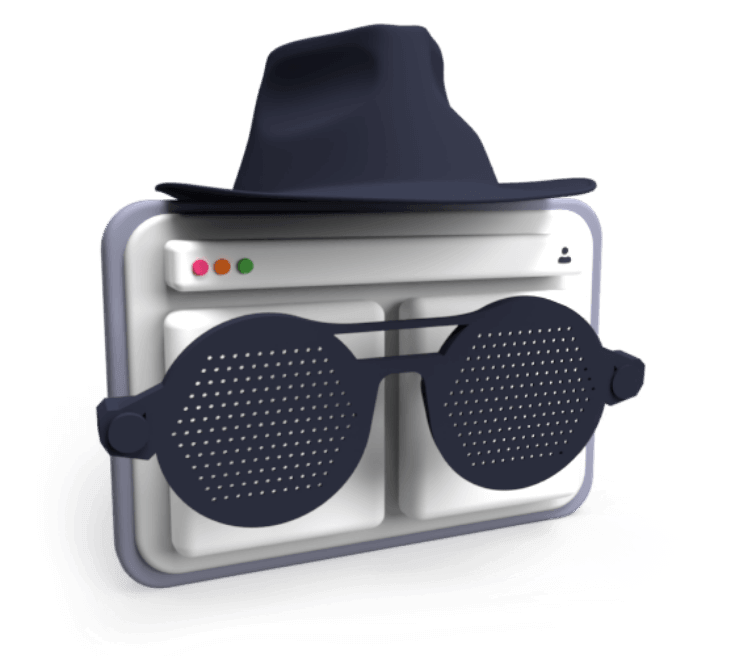
A VPN encrypts your internet traffic and routes it through an encrypted tunnel before it travels across the Tor network’s nodes for additional anonymization. This hides your Tor usage from your ISP and adds an extra privacy layer on top of what Tor already provides.
With PIA, you can connect to a VPN server in one of 113 countries to get a fast, reliable connection wherever you are.
VPN Over Tor vs Tor Over VPN: Two Ways to Browse the Dark Web
Both VPN over Tor and Tor over VPN combine VPN encryption and Tor anonymization, but the order in which these privacy features are applied affects what third parties who might be monitoring your connection can see.
Tor Over VPN
With Tor over VPN, you connect to your VPN before opening Tor. Your traffic is routed through a secure VPN server and encrypted, hiding your Tor usage from your ISP.
This is the setup that’s recommended for most users. It’s easy to configure and gives you an extra layer of protection for both your dark web and other traffic from the moment you turn your VPN on.
VPN Over Tor
VPN over Tor is essentially the reverse of Tor over VPN: Your traffic enters the Tor network before passing through the VPN.
While it can offer more privacy advantages in certain scenarios, it requires more technical know-how to set up and can result in slower connection speeds. Unless you have a specific reason to use this configuration, Tor over VPN will likely be the better option.
How to Use a VPN With Tor
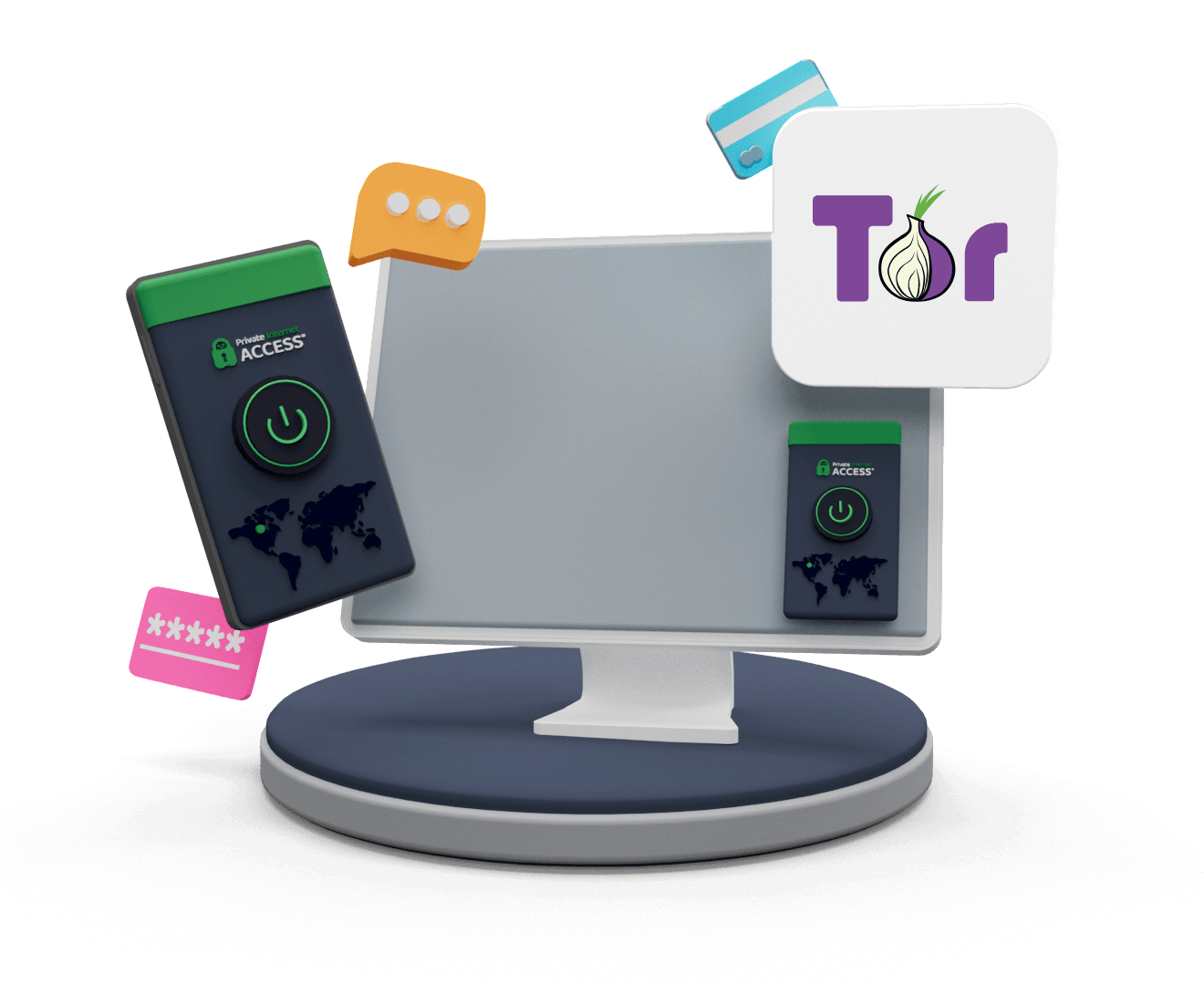
1. Get Set Up
Install PIA VPN and Tor on your device.
2. Connect to a VPN server
Connect to a PIA server close to your actual location.
3. Open the Tor Browser
Open Tor and browse .onion sites with more privacy.
4. Disconnect safely
When you’re done browsing, close Tor before disconnecting from PIA.
Troubleshooting Your Dark Web Connection
If your VPN or Tor connection isn’t working as expected, there are a few things you can try:
- VPN not connecting: Check your internet connection or try switching protocols.
- Slow connection speeds: Switch to a server closer to your physical location. Remember that Tor connections are generally slower than normal browsing.
- Tor not loading: Ensure PIA is fully connected before launching Tor.
- Onion sites not loading: The site may be down temporarily – give it some time and try to reload.
- Persistent issues: Reach out to PIA’s customer support team for hands-on help.

More Ways to Improve Your Privacy on the Dark Web
Avoid Downloading Files from Unknown Sources
Stick to sources you trust and scan any downloaded files with a reputable security tool before opening them – malware and ransomware are common threats on the dark web.
Keep Your Tor Browser Updated
Running an outdated version of Tor can leave you exposed to known security vulnerabilities. Check for updates regularly to make sure you're protected against the latest threats.
Use Strong Passwords and 2FA
Protect your accounts with strong, unique passwords and two-factor authentication. This reduces the risk of your accounts being compromised even if your data is exposed.
Avoid Sharing Personal Information
Keep your real name, address, email, and financial details to yourself. Privacy on the dark web isn’t guaranteed and even small details can be enough to identify you.
Use HTTPS Websites Where Possible
Sticking to HTTPS versions of sites, which add encryption to your connection to a website, makes it more difficult for third parties to intercept your browsing data.
Be Cautious with Links
Stay alert when clicking links. The dark web is home to lots of fraudulent and phishing sites – if something looks suspicious, it probably is.
Enable PIA’s Kill Switch
Keep your real IP address protected even if your VPN connection drops unexpectedly by turning on PIA’s Kill Switch in your VPN settings before you start browsing.
Is It Legal to Use a VPN on the Dark Web?
In most countries, using both VPNs and Tor is perfectly legal. Both are legitimate privacy tools used by everyday people to protect their online activity. That said, using them doesn’t change the legal status of your online activities. Illegal actions remain illegal, regardless of what tools you use to carry them out.
Laws around VPNs and Tor also vary by country, so it’s always worth checking the rules in your region before getting started. Ultimately, you’re responsible for ensuring your online activity complies with local laws.
Dark Web VPN: Frequently Asked Questions
A VPN strengthens your privacy on the dark web by encrypting your traffic and hiding your Tor usage from your ISP. It doesn’t eliminate all risks, but it does reduce your exposure significantly. Pairing a VPN with safe browsing habits gives you the strongest protection.
A good VPN for Tor should have strong encryption, a strict no-logs policy, and a kill switch to prevent IP leaks. With strong AES-256 encryption, a court-proven no-logs policy, and a built-in kill switch, PIA ticks all of these boxes.
The design of the Tor network means dark web browsing is inherently slower than regular browsing. However, a fast VPN helps minimize the impact on your connection. PIA’s 10-Gbps NextGen server network offers high-speed connections across 113 countries, giving you a fast, reliable connection for browsing with Tor.
Not quite. The deep web covers all parts of the internet that aren’t indexed by search engines (think private databases, email inboxes, and online banking portals). The dark web is a specific portion of the deep web that can only be reached using special software like the Tor Browser.
Free VPNs rarely offer the level of privacy and security needed for dark web browsing. Some log and sell user data, offer fewer security features, and have limited server options. On the dark web, where privacy matters most, a no-logs VPN with strong encryption like PIA is a much better choice.
Trusted By Millions Of Satisfied Customers
Here's a small sample of our most positive user reviews. All Trustpilot reviews are available here.
{"tweetsBtnText":"{Tweets}","userBtnText":"{User Reviews}","influencersBtnText":"{Influencers}","techReviewsBtnText":"{Tech Reviews}"}REVIEWED BY:


Choose The Plan That's Right For You
 All Plans Are Covered By Our 30-Day Money-Back Guarantee
1 Month
$11.95/mo3 Years + 3 Months EXTRA
$2.03/mo1 Year
$3.99/mo Covered By Our 30-Day Money-Back Guarantee*
All amounts are shown in USD, and any discounts reflect a reduction based on the current monthly service pricing at $11.95 per month.
*The 30-day money-back guarantee is available to new subscribers only; for subscriptions purchased via third-party app stores (e.g., Apple App Store, Google Play Store), refunds are subject to their respective terms and conditions.
Don’t Let the Past
Haunt You®
Try PIA Risk-Free
New users are covered by our 30-day money-back guarantee.
If you’re not satisfied, request a refund.

Per our Terms of Service, using PIA VPN for illegal purposes is prohibited.